Pi SENIOR ASSISTANT

$120.00

Eyebrow: Pi Personal Assistant

Headline: Your whole life, in one calm place — and it's yours.

Sub-head: Contacts, calendar, tasks, notes, shopping, time, and budget on a

small device you own. Private, offline, no subscriptions.

Primary button: Get yours → (link: Contact / Buy)

Secondary button: See pricing → (link: Pricing)

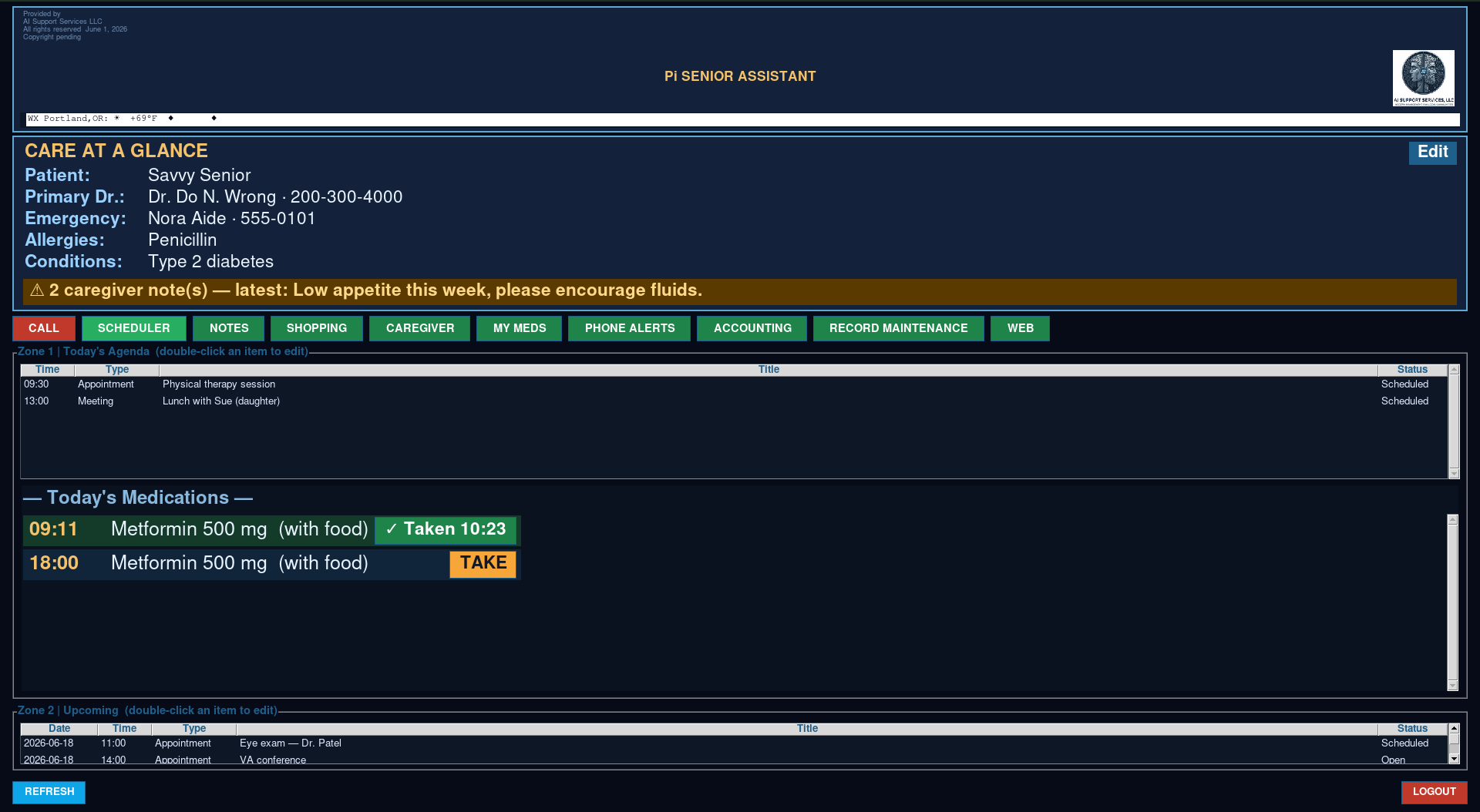
Image: `../Image_Library/files/PAtasks.png`

Alt: "Pi Personal Assistant home screen showing today's agenda."

---

## SECTION 2 — The pitch (intro paragraph)

Headline: One device. Everything you keep track of.

Body: Meet the Pi Personal Assistant — a friendly, all-in-one helper for everyday

life that lives on a small device you own, not in the cloud. From one simple home

screen it keeps your whole day in view: today's agenda and what's coming up, your

contacts and call log, appointments and reminders, to-do lists and plans, notes,

shopping lists, time, and a simple way to watch your spending. No monthly fees, no

accounts to sign up for, and no internet required — your information stays private,

right there on your own device. It does the remembering, so you don't have to.

---

## SECTION 3 — What's inside (the modules, grouped)

Headline: Everything it does

(Use a feature grid or an alternating image+text layout. Three natural groups:)

Your day

- Today at a glance — your agenda and what's coming up, the moment you log in.

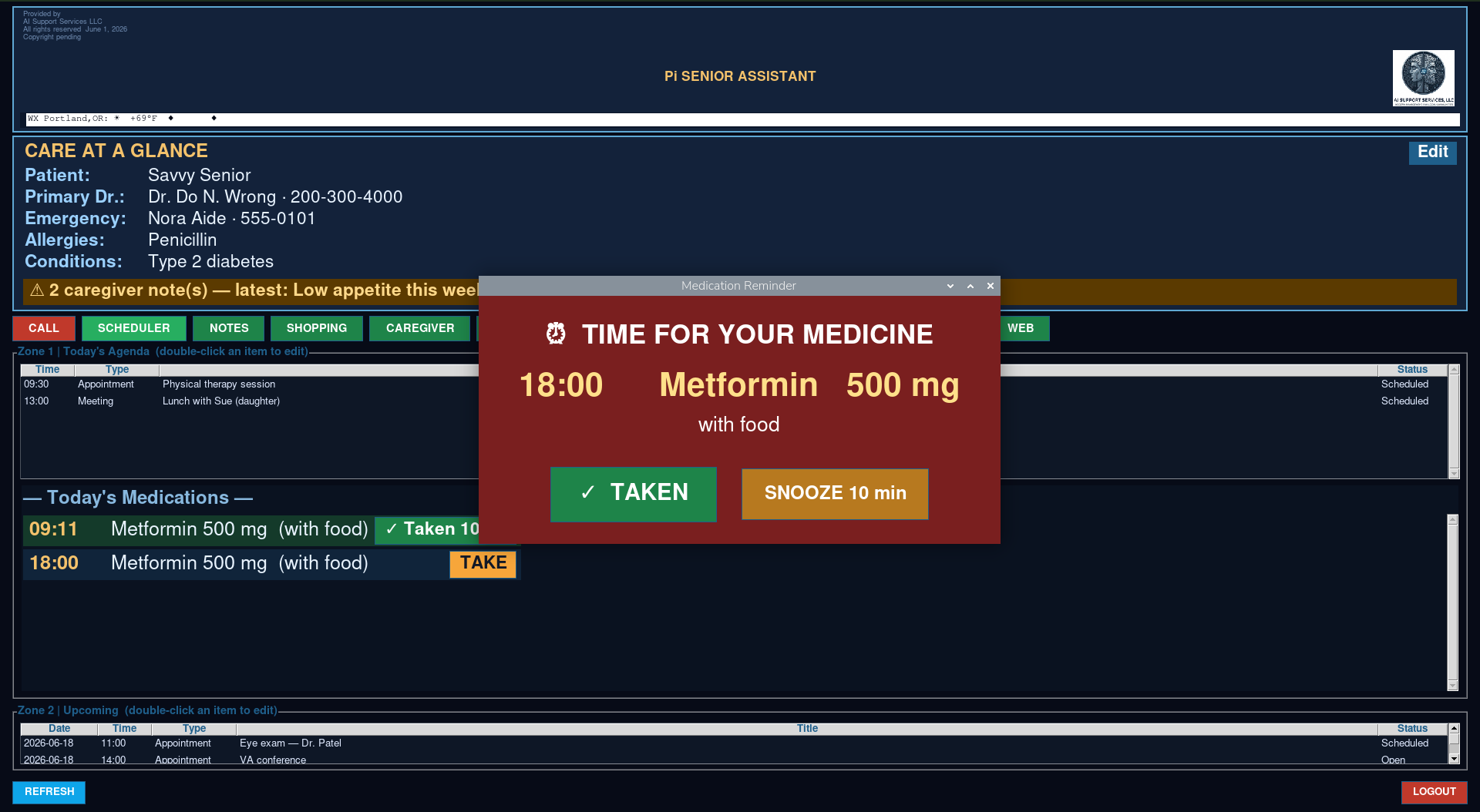
- Calendar & reminders — appointments and scheduling; never miss what matters.

- Tasks & plans — to-do lists and planning that keep you on track.

Your people & notes

- Contacts & call log — keep people's details and a record of your calls.

- Notes — jot it down and find it again, all in one place.

- Shopping lists — build your list and check it off.

Your time & money

- Time tracking — see where your time actually goes.

- Simple budgeting — keep an eye on spending without a spreadsheet.

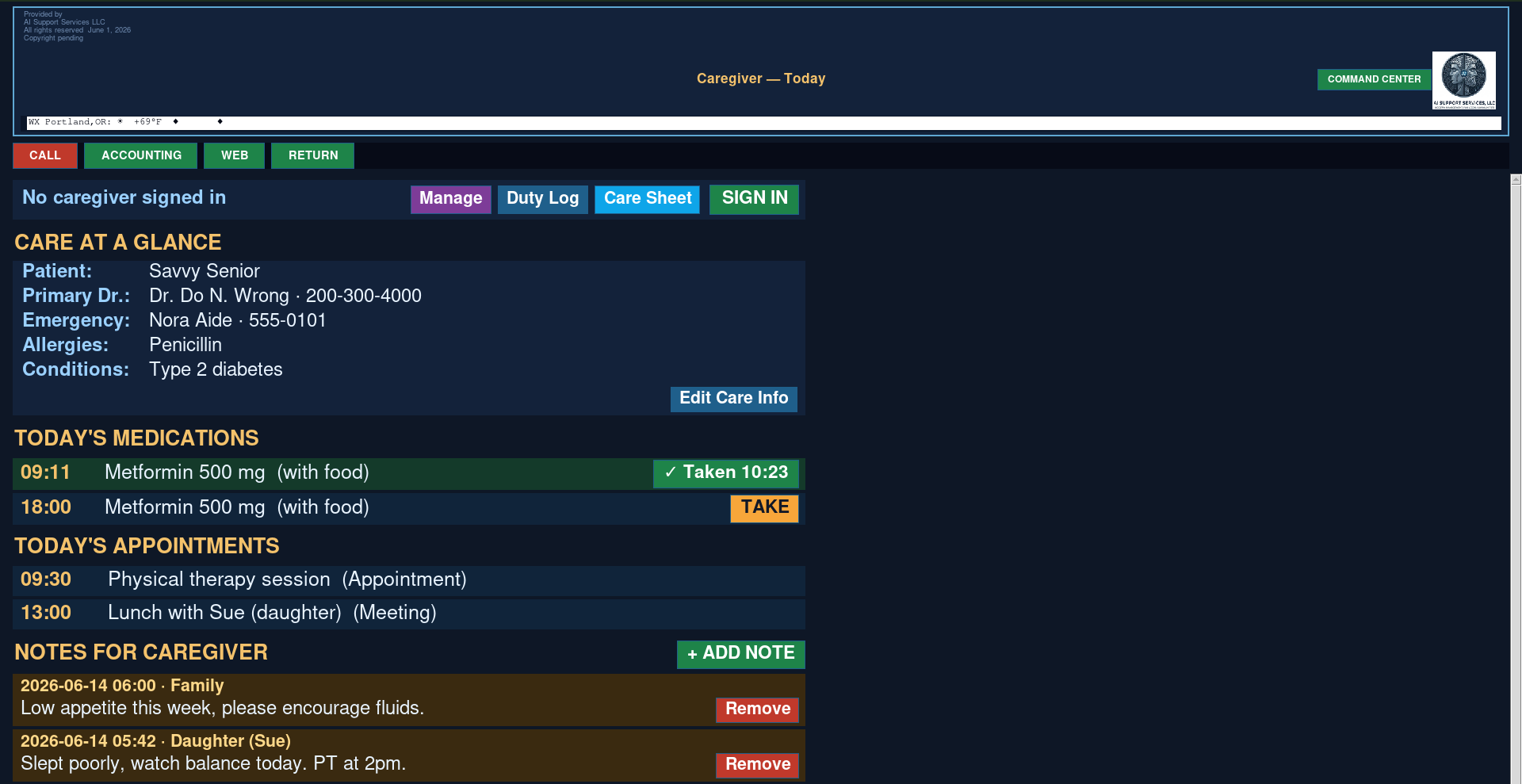
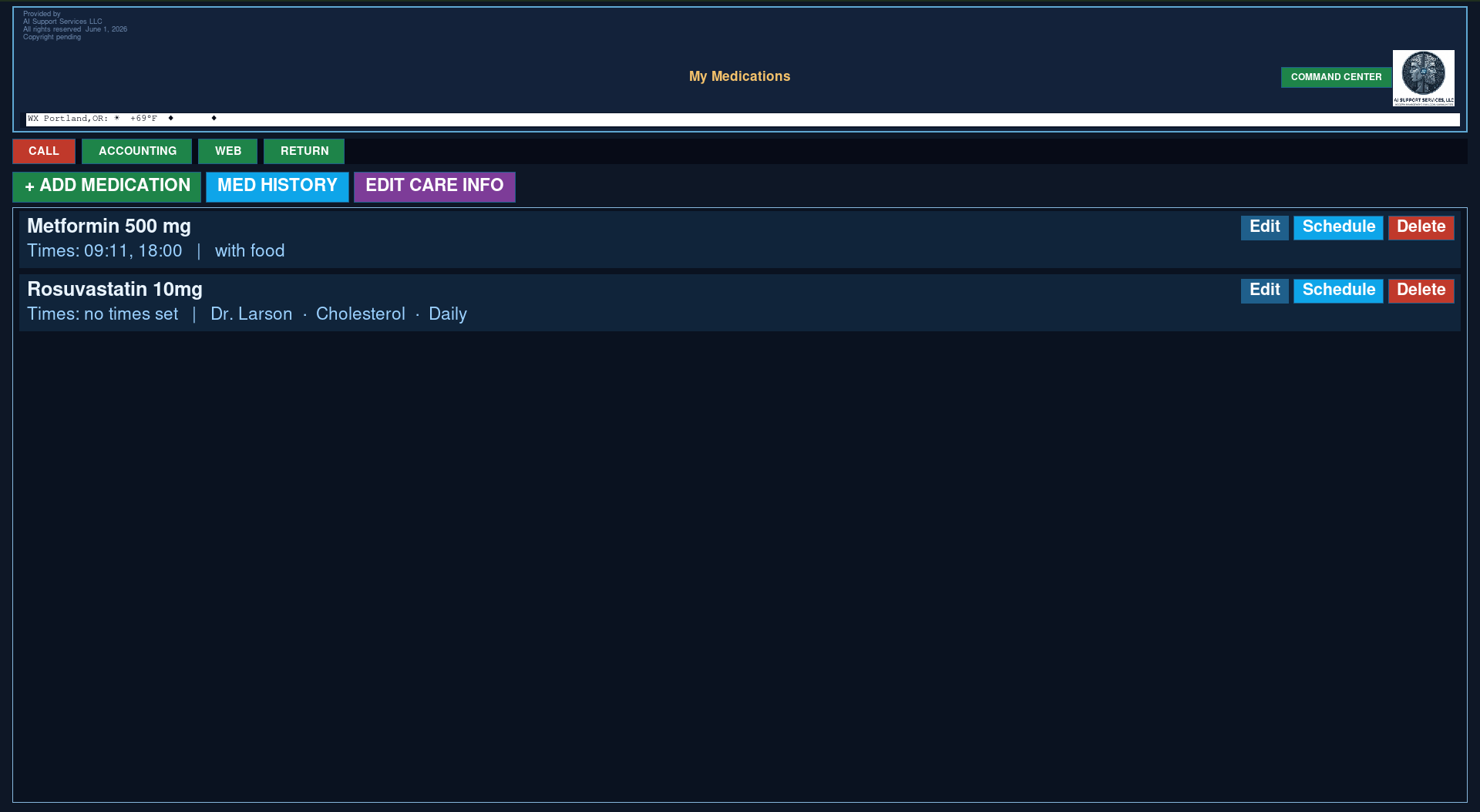
*(Image slot: drop in cropped module screenshots — Tasks, Scheduler, Notes — as you

capture them. Placeholder for now: `PAtasks.png`.)*

---

## SECTION 4 — Why it's different

(Three columns.)

- Own it, don't rent it. Pay once. No monthly fee, ever. It's yours to keep.

- Private by design. Runs offline on a device you hold. Your data never goes to a cloud.

- Replaces a stack. One box for the jobs you'd otherwise pay four or five apps to do.

---

## SECTION 5 — Who it's for

Headline: Built for real life

Body: For anyone who wants one dependable spot for everything — without handing

their life to another app subscription. It's calm and simple enough for a parent or

a retiree keeping the household running, and complete enough for anyone juggling a

busy schedule who's tired of renting four different tools to do it. If you value

your privacy and you'd rather own a thing than rent it, this was made for you.

---

## SECTION 6 — How it works (short)

Headline: Simple from the first boot

Body: It arrives ready to go on a small device you own. Power it on and it opens

straight to your assistant — no account to create, no setup wizard, no internet

required. Your information lives on the device, in your hands. Optional updates and

support are available if you ever want them, but they're never required.

Button: See how it works → (link: How It Works)

---

## SECTION 7 — Pricing block

Headline: Pay once. Own it.

(Two cards.)

- Standard — $149 (one time). The full assistant: contacts, scheduler, notes,

shopping, accounting, time, calls, and web. Everything above, yours forever.

- Premium — $249 (one time). Loaded modules, a nicer case, and priority setup.

Under the cards: Optional Updates & Support — $39/yr, never required. Pre-imaged

spare card — $35.

Footnote: Less than a single year of the subscriptions it replaces — then free,

forever.

Button: Get yours → (link: Contact / Buy)

---

## SECTION 8 — FAQ teaser (anchor)

Headline: Questions?

- Does my data go to the cloud? No. It stays on your device, offline.

- Is there a monthly fee? No. You pay once and own it.

- What if I need help? Optional support is available — but never required.

Button: Read the full FAQ → (link: FAQ)

---

## SECTION 9 — Final CTA

Headline: One private place for your whole day.

Sub: No cloud. No subscriptions. Just yours.

Button: Get the Pi Personal Assistant → (link: Contact / Buy)

Eyebrow: Pi Personal Assistant

Headline: Your whole life, in one calm place — and it's yours.

Sub-head: Contacts, calendar, tasks, notes, shopping, time, and budget on a

small device you own. Private, offline, no subscriptions.

Primary button: Get yours → (link: Contact / Buy)

Secondary button: See pricing → (link: Pricing)

Image: `../Image_Library/files/PAtasks.png`

Alt: "Pi Personal Assistant home screen showing today's agenda."

---

## SECTION 2 — The pitch (intro paragraph)

Headline: One device. Everything you keep track of.

Body: Meet the Pi Personal Assistant — a friendly, all-in-one helper for everyday

life that lives on a small device you own, not in the cloud. From one simple home

screen it keeps your whole day in view: today's agenda and what's coming up, your

contacts and call log, appointments and reminders, to-do lists and plans, notes,

shopping lists, time, and a simple way to watch your spending. No monthly fees, no

accounts to sign up for, and no internet required — your information stays private,

right there on your own device. It does the remembering, so you don't have to.

---

## SECTION 3 — What's inside (the modules, grouped)

Headline: Everything it does

(Use a feature grid or an alternating image+text layout. Three natural groups:)

Your day

- Today at a glance — your agenda and what's coming up, the moment you log in.

- Calendar & reminders — appointments and scheduling; never miss what matters.

- Tasks & plans — to-do lists and planning that keep you on track.

Your people & notes

- Contacts & call log — keep people's details and a record of your calls.

- Notes — jot it down and find it again, all in one place.

- Shopping lists — build your list and check it off.

Your time & money

- Time tracking — see where your time actually goes.

- Simple budgeting — keep an eye on spending without a spreadsheet.

*(Image slot: drop in cropped module screenshots — Tasks, Scheduler, Notes — as you

capture them. Placeholder for now: `PAtasks.png`.)*

---

## SECTION 4 — Why it's different

(Three columns.)

- Own it, don't rent it. Pay once. No monthly fee, ever. It's yours to keep.

- Private by design. Runs offline on a device you hold. Your data never goes to a cloud.

- Replaces a stack. One box for the jobs you'd otherwise pay four or five apps to do.

---

## SECTION 5 — Who it's for

Headline: Built for real life

Body: For anyone who wants one dependable spot for everything — without handing

their life to another app subscription. It's calm and simple enough for a parent or

a retiree keeping the household running, and complete enough for anyone juggling a

busy schedule who's tired of renting four different tools to do it. If you value

your privacy and you'd rather own a thing than rent it, this was made for you.

---

## SECTION 6 — How it works (short)

Headline: Simple from the first boot

Body: It arrives ready to go on a small device you own. Power it on and it opens

straight to your assistant — no account to create, no setup wizard, no internet

required. Your information lives on the device, in your hands. Optional updates and

support are available if you ever want them, but they're never required.

Button: See how it works → (link: How It Works)

---

## SECTION 7 — Pricing block

Headline: Pay once. Own it.

(Two cards.)

- Standard — $149 (one time). The full assistant: contacts, scheduler, notes,

shopping, accounting, time, calls, and web. Everything above, yours forever.

- Premium — $249 (one time). Loaded modules, a nicer case, and priority setup.

Under the cards: Optional Updates & Support — $39/yr, never required. Pre-imaged

spare card — $35.

Footnote: Less than a single year of the subscriptions it replaces — then free,

forever.

Button: Get yours → (link: Contact / Buy)

---

## SECTION 8 — FAQ teaser (anchor)

Headline: Questions?

- Does my data go to the cloud? No. It stays on your device, offline.

- Is there a monthly fee? No. You pay once and own it.

- What if I need help? Optional support is available — but never required.

Button: Read the full FAQ → (link: FAQ)

---

## SECTION 9 — Final CTA

Headline: One private place for your whole day.

Sub: No cloud. No subscriptions. Just yours.

Button: Get the Pi Personal Assistant → (link: Contact / Buy)